Every HR manager we talk to has some version of the same story. Someone applies for leave on WhatsApp, their manager approves it verbally in the corridor, nobody updates the tracker, and three weeks later payroll deducts a day’s salary the employee swears they never took unpaid. Multiply that by forty or fifty employees and a few different managers, and you get the mess that sends people searching for the best leave management software in the first place.
The tricky part is that almost every HR platform in India claims to do leave management well. Open ten vendor websites and you’ll see near-identical screenshots: a calendar view, a leave balance widget, an approval workflow diagram. So the search doesn’t really need another list of “top 10” tools ranked by nothing in particular. It needs a way to tell which one will actually survive contact with your company’s real leave policy — the one with three kinds of casual leave, a comp-off rule nobody wrote down, and a factory shift calendar that doesn’t match the corporate one.
Why “good on paper” leave software still fails HR teams
Most leave management systems handle the easy 80% fine: apply, approve, see your balance. Where they fall apart is the last 20%, which happens to be the part that generates the most support tickets. A few examples we’ve seen play out at actual Indian companies:
A logistics company in Pune had different leave quotas for warehouse staff and office staff, accrued on different cycles. Their earlier software only supported one accrual policy company-wide, so HR ended up maintaining a parallel spreadsheet anyway — which defeats the entire point of buying software. A services firm in Bangalore needed sandwich leave rules (a Friday and Monday off counting as leave through the weekend) applied only to certain leave types, and their vendor’s support team told them it “wasn’t a standard feature.” A manufacturing client wanted leave balances to reset differently for probationary employees versus confirmed staff, and had to be talked into a workaround involving manual adjustments every quarter.
None of these are exotic requirements. They’re the ordinary reality of running HR in India, where labour law, state-specific shop and establishment rules, and plain old company culture all shape how leave actually works. So the real evaluation question isn’t “does it have a leave module” — almost everything does — it’s “can it handle the leave policy you actually have, not the generic one in the vendor’s demo.”
What to actually check before you sign anything
Before you sit through another sales demo, get specific about your own policy and test the software against it rather than against a generic checklist. A few things worth insisting on:
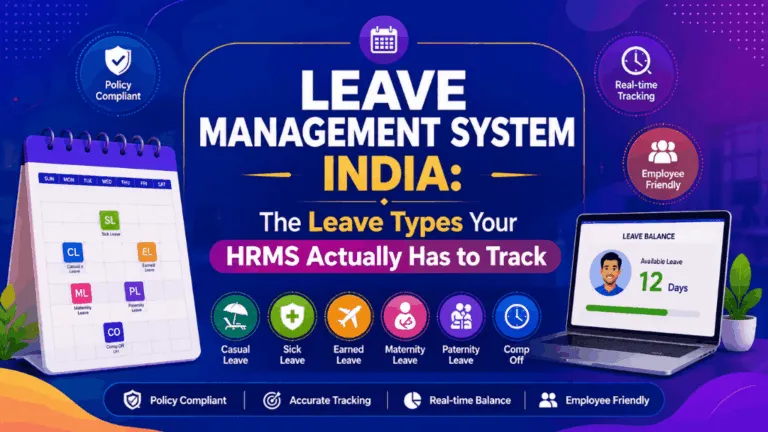
Configurable leave types and accrual rules. Can you set up different leave types (casual, sick, earned, comp-off, maternity, bereavement) with their own accrual frequency, carry-forward limits, and encashment rules — without opening a support ticket every time something changes? If your policy changes even slightly, will HR be able to update it themselves, or will you be paying for a “customization” every time?
Role- and location-based quotas. If you have factory workers, field staff, and office employees with different leave entitlements, the system needs to let you set quotas at the role or department level, not just one blanket policy for the whole company. This is one of the most common reasons HR teams end up asking a vendor where can I set leave quotas per employee or role, only to find the answer is “you can’t, easily.”
Approval workflows that match your actual hierarchy. A single-manager approval chain is fine for a 15-person startup. It breaks down the moment you have matrix reporting, project-based managers, or a policy where HR needs to co-approve leave beyond a certain number of days. Ask to see multi-level and conditional approvals configured live, not just described in a slide.
Real integration with attendance and payroll. Leave that isn’t automatically reflected in attendance, and attendance that isn’t automatically reflected in payroll, is how “loss of pay” disputes happen. If leave, attendance, and payroll live in three different systems that sync once a month if you’re lucky, you haven’t solved the original problem — you’ve just moved it into three tabs instead of one spreadsheet.
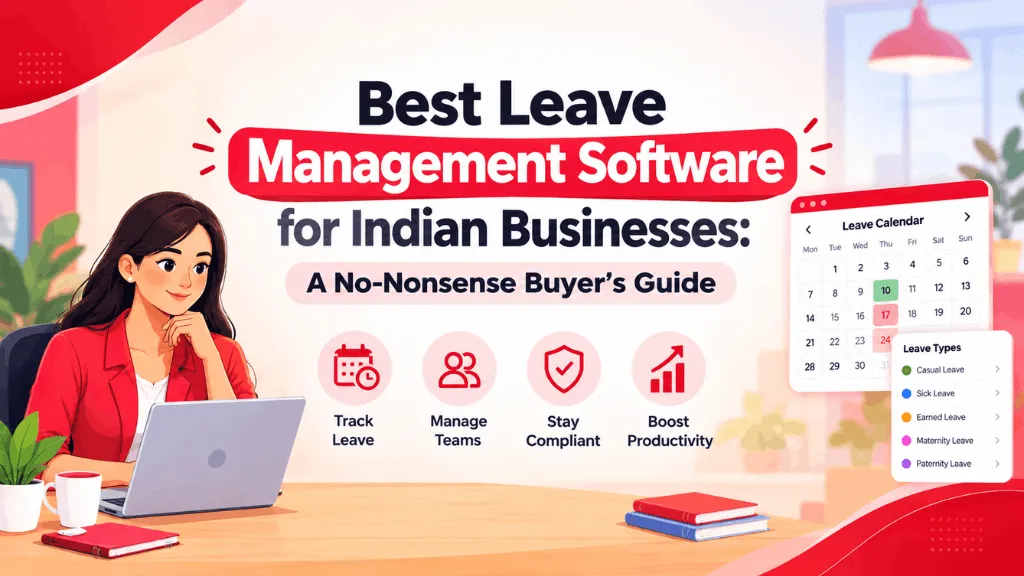
A leave calendar people will actually use. This sounds minor until you’ve sat in a Monday planning meeting where three team members are on leave and nobody knew until they didn’t show up. A shared, filterable team calendar — visible to managers without them having to ask HR — solves a genuinely daily annoyance.
Where IntelloHRM fits, and where you should still compare
We built IntelloHRM’s leave module around exactly the messiness described above — configurable leave types per role and location, accrual and carry-forward rules you can set yourself without a developer, approval chains that follow your actual org structure, and a leave calendar that syncs directly with attendance and payroll so a day off doesn’t have to be reconciled by hand at month-end. It’s genuinely one of the areas where we spend the most product effort, precisely because “leave” sounds simple until you try to model a real Indian company’s policy inside it.
That said, if you’re evaluating leave management software seriously, you should be comparing IntelloHRM against a shortlist that likely includes names like Keka, GreytHR, Zoho People, and HamaraHR. Most of these are competent products with reasonable leave modules, and the honest answer is that the best fit depends on your existing stack (do you already use Zoho for other things?), your team size, and how much configuration flexibility you need versus how much you’re willing to pay for it. What we’d push back on is choosing based on a feature-list comparison table alone — those tend to look nearly identical across vendors because everyone lists the same twelve checkboxes. Ask instead to configure your actual, specific leave policy — quirks included — in a live trial or demo, with each vendor, before you decide.
A shortcut that actually works
If you want one practical filter to cut through the noise: write down your three most awkward leave rules — the ones your current spreadsheet or software already struggles with — and lead every demo with those, instead of watching the vendor’s prepared walkthrough first. The software that handles your weird cases smoothly, without a “we’ll build that for you later” promise, is usually the one that’ll still be working for you two years from now.