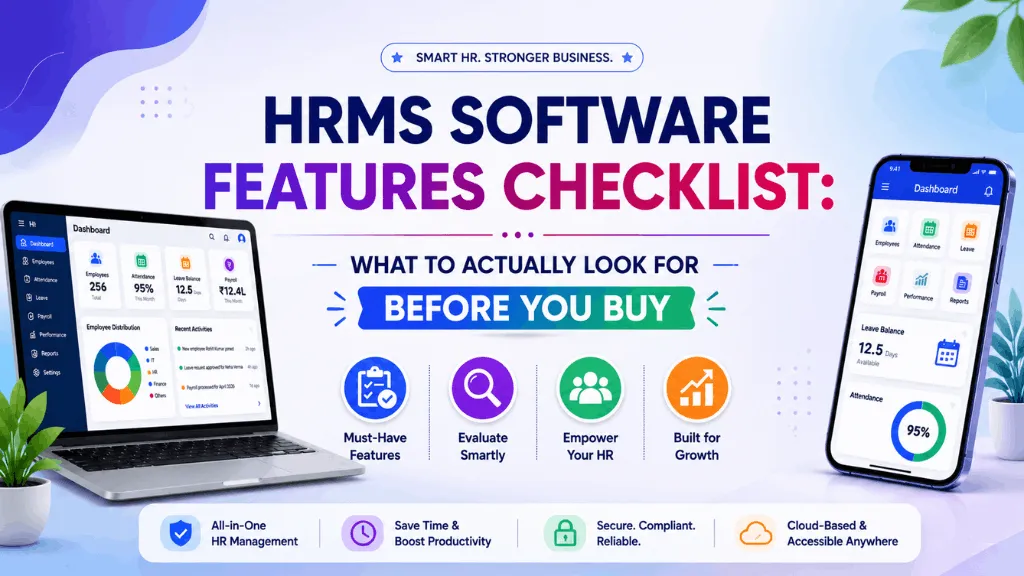
An HR head in Nagpur signed a two-year HRMS contract based on a glossy feature PDF that listed “biometric integration” as a checked box. Four months in, she learned what that checkbox actually meant: the system could import a CSV exported from her existing biometric machine once a day. It couldn’t sync live, couldn’t flag a missed punch in real time, and couldn’t stop a manager from approving attendance for someone who’d never shown up. The feature existed on the page. It just didn’t do what the word “integration” implied, which is exactly the problem with most HRMS software features checklists: they list categories, not capabilities.
Every serious vendor can check “payroll module: yes” and “attendance tracking: yes.” The difference between a good HRMS and an expensive mistake is almost never in what’s on the list. It’s in what each item actually does when you press on it.
Start with employee records, and ask about your own exit, not just onboarding
Every HRMS stores employee data. Fewer let you get all of it back out cleanly if you switch vendors two years later. Before you sign, ask specifically: can you export full employee history, documents and payroll records in a usable format, without a support ticket and a wait? This sounds like a minor point during evaluation. It stops being minor the day you actually need to leave.
Attendance and leave: test it against your actual workforce, not a demo account
A vendor demo almost always shows a clean 9-to-6 office scenario. If your real workforce includes factory shifts, field staff or contract labour, that demo tells you very little. Ask instead: does the system handle rotating shift patterns without a side spreadsheet? Does geo-tagged mobile attendance actually work when a field rep has patchy signal? Can a manager regularize a missed punch from their phone, or does it need a desktop login and three approvals over email? The gap between “attendance tracking” on a feature sheet and attendance tracking that survives a real Monday is usually where buyers get burned.
Payroll and the statutory engine: check the update history, not the promise
Every HRMS claims PF, ESI, professional tax and TDS compliance. That’s the entry ticket, not a differentiator. What actually separates platforms is how fast the statutory engine gets updated when a rule changes, and Indian labour law has been shifting steadily as the four labour codes roll out state by state. Ask a shortlisted vendor for their update history on the last statutory change, not their compliance claim. A platform that pushed a fix within days tells you far more than a feature sheet ever will.
Employee self-service: measure it by what it removes from HR’s plate
ESS gets listed as a standard feature almost everywhere, but the quality varies enormously. The real test isn’t whether employees can technically log in. It’s whether “where’s my payslip” and “how many leaves do I have left” stop landing in HR’s inbox at all, because employees can answer those questions themselves in under a minute. If your HR team is still fielding those messages six months after go-live, the self-service module exists on paper more than in practice.
Document management: the feature nobody tests until an audit
Offer letters, Aadhaar and PAN copies, appraisal records, exit paperwork: ask specifically whether these live attached to the employee record and are searchable, or whether “document management” just means a generic file-upload field with no structure. This is the feature that looks unimportant in a demo and becomes urgent the day a labour inspector or auditor asks for a specific document on short notice.
Reporting that a founder or CHRO would actually open
Most platforms can generate a report. Fewer generate one a non-HR person would actually read. Ask for a sample attrition report, a headcount cost report, and a leave-liability report during your trial, not just a screenshot in a sales deck. If the output needs an HR analyst to interpret it before a founder can act on it, that’s a real limitation, not a formatting quirk.
Security and DPDP-readiness
Employee data, Aadhaar numbers, bank details, salary history, is exactly the kind of personal data the Digital Personal Data Protection Act is built around. Ask where data is hosted, who has access at the vendor’s end, and what happens to your data if you leave. A vendor that can’t answer this clearly in one conversation probably hasn’t thought about it as carefully as your evaluation should.
Support and implementation speed, measured honestly
Payroll runs on a fixed date every month. If a support ticket takes four days to get answered, that’s not a minor inconvenience, it’s a missed statutory deadline. Ask for median first-response time, not the SLA on a contract. And ask how long implementation actually takes for a company your size: enterprise-grade platforms built for large organisations often need six to twelve weeks to go live, which is a mismatch if you need payroll running next month.
A shorter list to bring into your next demo
Skip the forty-row feature matrix. Six questions get you most of the way: Can I export everything if I leave? Does attendance handle my actual workforce, not a generic office? How fast do statutory rules get updated after they change? Does self-service actually stop the payslip and leave-balance messages? Are documents audit-ready from day one? And what’s the honest median support response time? If a vendor’s team can’t answer these specifically, in a live conversation, the pricing page doesn’t matter yet.
Where IntelloHRM fits
We built IntelloHRM’s own feature set backwards from exactly these questions, because we were solving them for our early customers: manufacturing and export businesses in Punjab with shift-based attendance, multi-state payroll and audits that don’t wait for a software update. If you want to see how a platform holds up against a checklist built this way rather than a marketing one, our HRMS comparison guide for Indian businesses walks through the broader evaluation framework. Or put IntelloHRM through the checklist above directly at intellohrm.com.