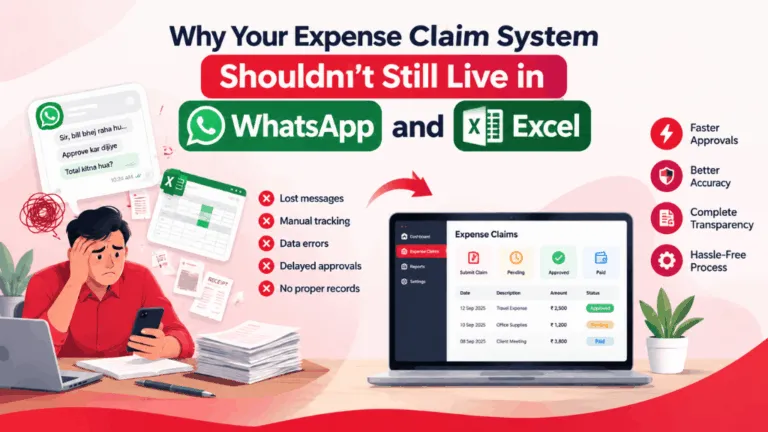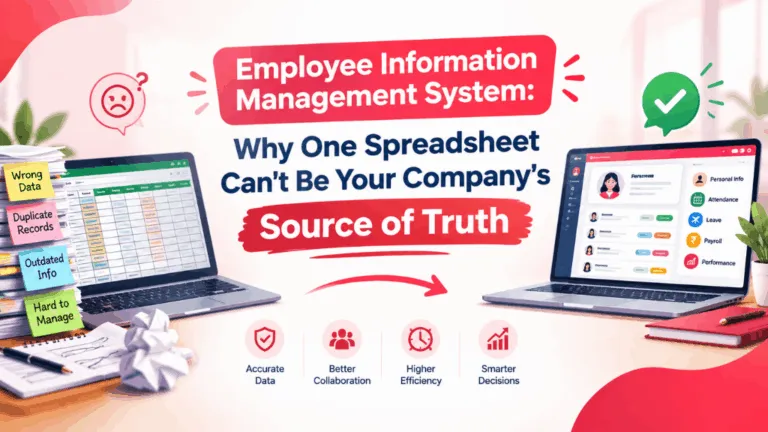
Ask five HR managers at Indian SMBs what they use to track employee data, and at least three will admit it’s some combination of a master Excel sheet, a Google Drive folder full of scanned Aadhaar cards and offer letters, and a WhatsApp group where people ask for their own leave balance because nobody’s sure where else to look. It works, technically, right up until the day it doesn’t — someone leaves, the sheet has three conflicting versions, and payroll is now guessing.
That’s usually the point at which “employee management system” starts showing up in someone’s Google searches at 11 PM. And it’s a genuinely confusing phrase to search for, because it means different things depending on who’s selling it to you. Some vendors use it to mean a glorified employee database — a searchable, permission-controlled place to store records. Others use it as a synonym for a full HRMS. A few use it to describe something closer to a workflow engine bolted onto a spreadsheet. If you’re evaluating options right now, it’s worth being clear-eyed about which one you actually need, because buying the wrong scope either wastes money or leaves you back in Excel within six months.
What an employee management system is actually supposed to solve
Strip away the marketing language and the core job is simple: one place where employee data lives, stays accurate, and is accessible to the right people without someone manually updating five different files every time something changes. That includes the basics — name, contact details, bank account, PAN, reporting manager, department, employment history — but also the stuff that tends to rot fastest in a spreadsheet: current leave balances, document expiry dates, salary revisions, role changes, and exit status.
The test I’d suggest to anyone evaluating an employee database software or a broader employee management system is this: if an employee’s manager changes, or their designation gets revised, or they move from Pune to the Bangalore office, how many places does that update need to happen manually? If the answer is more than one, you don’t have a system — you have a set of records that happen to agree with each other today.
Where the line blurs with a full HRMS
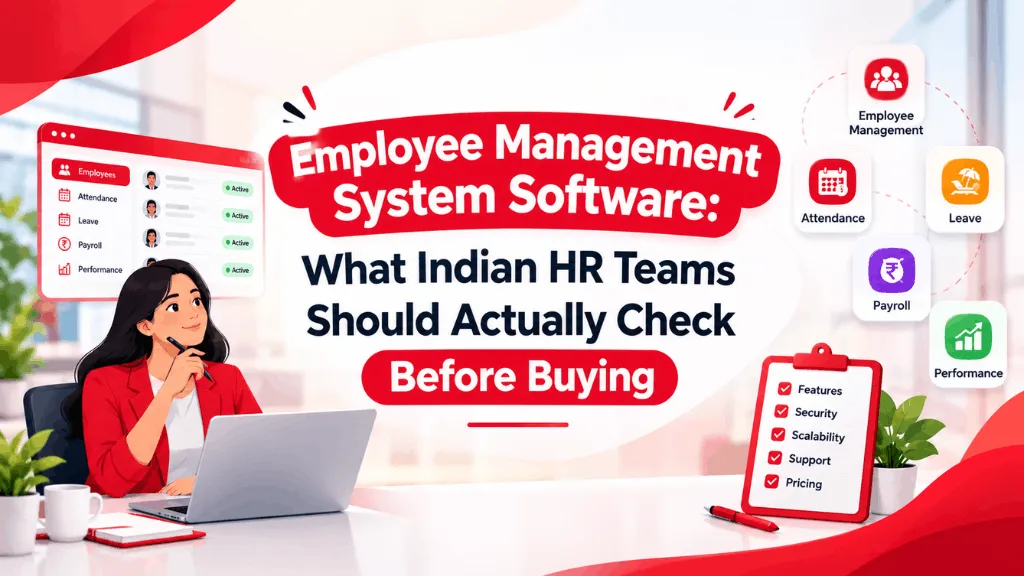
A lot of the confusion in this category comes from the fact that “employee management system,” “employee record management software,” and “HRMS” get used almost interchangeably in search results, but they’re not the same scope of product. A narrow employee database tool typically covers records, documents, and maybe an org chart. A full HRMS adds payroll processing, attendance and leave workflows, statutory compliance (PF, ESI, professional tax), performance reviews, and often a self-service app so employees stop pinging HR for their own payslip.
For a 15-person team, a lightweight employee record system might genuinely be enough — you’re not running complex payroll cycles yet, and a simple, well-organized database beats an over-built HRMS nobody uses past the records module. Somewhere between 30 and 60 employees, though, most Indian companies I’ve seen cross a line where the record-keeping problem and the process problem (leave approvals, attendance, payroll inputs) start compounding each other, and a standalone database stops being enough. That’s usually when people start comparing dedicated employee management system software against full HR platforms like IntelloHRM, GreytHR, Keka, or Zoho People — and honestly, at that stage, it’s worth just evaluating the full HRMS category rather than patching together two separate tools.
A scenario that plays out more often than you’d think
A manufacturing client we spoke with in Coimbatore had exactly this pattern. HR kept employee master data in Excel, attendance came from a separate biometric export, and leave requests were approved over email. None of the three talked to each other. When a machine operator’s PF nomination form went missing during an audit, it took four people two days to reconstruct what should have taken four minutes. The fix wasn’t a fancier spreadsheet template — it was consolidating employee records, attendance, and document storage into one system where an auditor, or a new HR hire, could find anything without needing tribal knowledge of “which folder Priya keeps things in.”
That’s the practical argument for an employee management system that most feature comparisons miss: it’s not really about automation for automation’s sake, it’s about not being dependent on one person’s memory for where things live.
What actually matters when you’re comparing options
Feature lists all start to look the same after the third vendor demo, so it helps to judge on a few specific things instead. First, how easy is it to get your existing data in — if migrating from Excel means manually retyping eighty employee records, that’s a real cost, not a footnote. Second, does the employee database actually support role-based access, so a team lead sees their reports and nobody else’s salary details? Basic as that sounds, plenty of cheaper tools skip it. Third, can employees update their own information — address changes, emergency contacts, bank details for reimbursements — with an approval step, instead of every change routing through HR as a manual edit request. And fourth, this one gets skipped constantly: check whether document expiry tracking exists at all. Passport renewals, work permits, certifications — if your system can’t flag these before they lapse, you’re still doing that part in a spreadsheet anyway.
It’s also worth asking pointed questions about Indian-specific fields during any demo — PF UAN, ESI number, PAN, Aadhaar-linked KYC, gratuity eligibility dates. A system built primarily for a US or European market and localized afterward tends to treat these as afterthought custom fields rather than first-class data, and that shows up later when you need a report that includes them.
Don’t let the label decide for you
Whether a vendor calls it an “employee management system,” “employee information software,” or just markets it as part of an HRMS, the label matters less than whether it actually removes the manual reconciliation work you’re doing today. If you’re still exporting from one tool to update another, you haven’t solved the problem — you’ve just given it a nicer interface. Worth spending an extra week in evaluation to get that part right, because migrating employee data a second time, six months after the first migration, is exactly the kind of task nobody has patience for twice.