
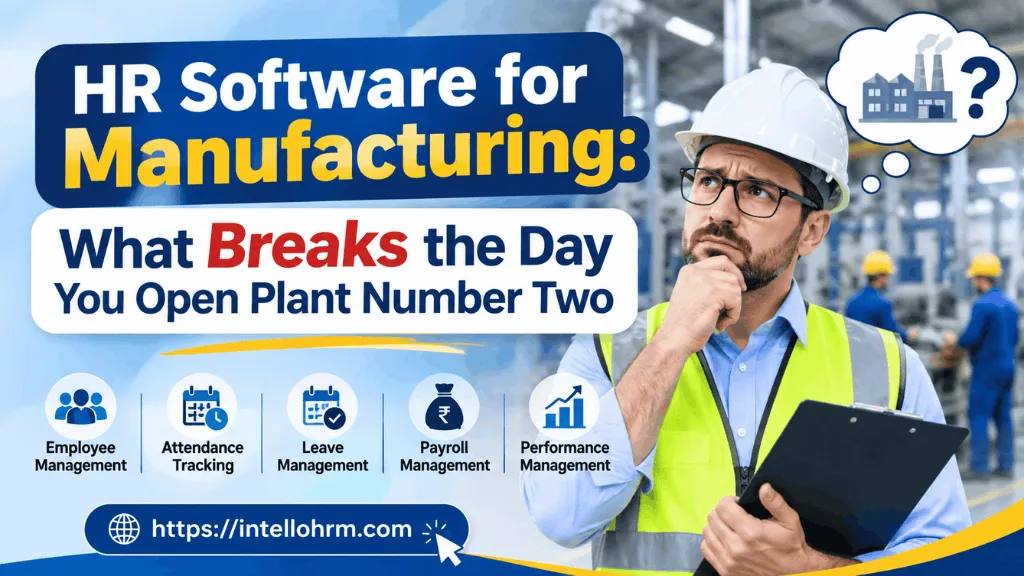
Most conversations about HR software for manufacturing start with a single factory. One gate, one HR office, one set of registers, one state’s labour laws to keep up with. It works, mostly, even if it’s held together with Excel sheets, a biometric device nobody fully trusts, and a payroll person who knows the exemptions by memory. Then the company signs a lease for a second unit two hundred kilometres away, or in a different state entirely, and the whole arrangement quietly stops making sense.
That’s the moment most manufacturers actually start shopping for HR software, not when they’re a single-plant operation. And it’s also the moment most HR software for manufacturing companies turns out to be built for exactly that single-plant assumption — one establishment code, one set of statutory registers, one HR team that can walk the floor. Search for “HR software for manufacturing” and you’ll find plenty of feature lists covering attendance, payroll and leave. Almost none of them mention what actually gets complicated: contract labour, multi-state compliance, and safety training records that have to survive an audit.
Contract labour is where generic HRMS quietly falls apart
A textile unit in Tiruppur or an auto-ancillary plant in Chakan rarely runs on permanent staff alone. A big chunk of the shop floor — sometimes more than half — is contract labour supplied through one or more licensed contractors. Under the Contract Labour (Regulation and Abolition) Act, the principal employer has obligations that have nothing to do with a typical HRMS screen: tracking each contractor’s licence number and validity, maintaining contractor-wise headcount against what the licence actually permits, and being able to produce muster rolls and wage registers for contract workers separately from your own payroll, on demand, during an inspection.
Most HR software treats a “contract employee” as just another employee type with a different pay structure. That’s not what a labour inspector is checking for. They want to know which contractor each worker reports to, whether that contractor’s licence covers the current headcount, and whether contract worker wages were disbursed on time and at or above the applicable minimum wage for that state and that category of work. If your HR software for manufacturing can’t produce that view by contractor, by plant, in under five minutes, you’re still doing it in a spreadsheet somewhere — which is exactly where most plants are today, second plant or not.
One company, two plants, two sets of rules
The part that genuinely catches people off guard is how much changes when plant number two is in a different state. EPF and ESI registration is per establishment, which means a new plant usually needs its own establishment code even under the same company PAN, and the HR team ends up juggling two ECR filings instead of one. Professional tax slabs, Shops and Establishments Act timing rules, and even the applicable minimum wage notification can all differ between, say, Maharashtra and Gujarat, or Tamil Nadu and Telangana. A payroll run that was correct for Plant 1 can be quietly wrong for Plant 2 if the software isn’t built to hold more than one state’s rule set at a time.
This is also where shift patterns get messier than people expect. A plant running three eight-hour shifts with a weekly off rotation needs overtime calculated against the Factories Act’s daily and weekly thresholds — not a flat 8-hour, Monday-to-Friday assumption that a lot of HR software still defaults to. Add a night shift allowance that one state mandates and another doesn’t, and you can see why manufacturing HR teams end up building their own calculation sheets rather than trusting the system.
Safety training isn’t a nice-to-have module here
In most industries, an LMS is about career development. In manufacturing, training records are compliance evidence. A worker operating a specific machine is usually required to have documented safety training for that machine — and if there’s an accident, the first thing an inspector or an insurer asks for is proof that training happened, who delivered it, and when it expires. If your HR software treats training completion as a generic tick-box rather than something tied to a specific machine, line, or hazard category, with expiry dates and renewal alerts, you don’t actually have what you need when it matters. This is one of the more overlooked gaps in HR software for the manufacturing industry: the training module exists, but it wasn’t designed by anyone who’s had to answer to a factory inspector.
What to actually ask a vendor before you sign
Rather than running through a generic feature checklist, it’s worth asking three pointed questions. Can the system handle more than one state’s statutory configuration — PF, ESI, PT, minimum wage — running simultaneously, without manual overrides for the second plant? Can it produce a contractor-wise register of contract labour, including licence tracking, that would hold up in an inspection? And does its training or LMS piece let you tie a specific certification to a specific machine or role, with automatic expiry tracking, rather than a flat “training completed” checkbox?
If a vendor hesitates on any of those, it usually means the product was built for a services company and retrofitted for manufacturing later — which is a very different thing from software designed around how a shop floor, a contractor system, and a multi-state compliance calendar actually work together. IntelloHRM was built with Indian statutory complexity as a starting assumption rather than an add-on, which is precisely the kind of detail that matters once you’re no longer a single-plant business. If you’re evaluating HR software for manufacturing companies with more than one location on the horizon, it’s worth spending less time on the feature list and more time on these three questions — they tend to separate the tools that were designed for this from the ones that were adapted for it.